
AI Tools for Small Business
How small business owners can leverage simple AI tools to automate marketing and admin tasks.
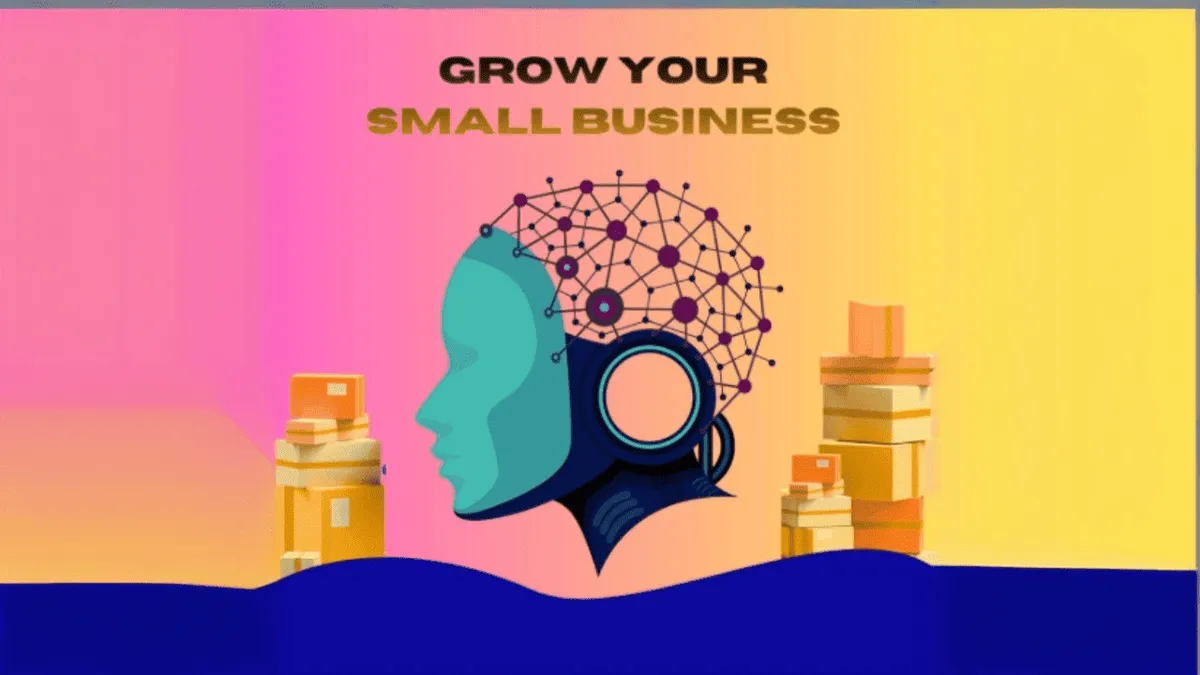
Running a small business is a lot of work. Every day involves wear you to customers, the next you are trying to write posts, handle invoices, plan tasks, and respond to emails. The to-do list just keeps going on and on it never really seems to end.
The pressure to keep up is real, which is why AI tools have become so popular lately. They are not a magical fix for everything, but they can certainly a significant amount of pressure off your shoulders.
I will be honest. I was skeptical at first. I thought AI tools would be technical or perhaps not very practical for small business use. But after testing a number of different types of programs, you might realize, “Okay, this actually saves me time.”
Let us go through some practical AI tools for business that offer real value beyond the hype.
Why Small Businesses Need AI
It is pretty simple when you think about it.
Most small business owners are dealing with:
- Limited time
- Tight budgets
- Not enough people to delegate to
As a result, you end up having to do everything yourself.
AI tools help fill these gaps. They are not meant to replace you; they are designed to support you. Incorporating AI tools into your business operations can make a noticeable difference.
Specifically, AI tools can help you:
- Write faster without overthinking
- Manage your schedule and tasks quickly
- Create graphics without hiring a designer
- Stay organized without complex systems
You will be amazed at how much faster the daily tasks flow lighter. Their small reduction in workload matters more than most people think.
Useful AI Tools for Small Business
When it comes to business, there are lots of options available. I will focus on the ones that I have found to practical value for day-to-day operations.
ChatGPT
ChatGPT is a primary go-to assistant for many professionals.
Write emails, social media captions and product descriptions.
Brainstorm marketing ideas and campaign names.
Draft proposals, proofread, or refine existing content.
Whenever you are unsure of how to start a project, ChatGPT can help generate an initial draft to get momentum going. It feels a bit like a virtual sounding board for your ideas.
Canva (with AI features)
If graphic design is not your strength, Canva makes the process simple and straightforward.
Template-made graphics.
Fliers, advertisements, and promotional banners.
AI-generated images and logo generation.
You do not need to be a professional designer with Canva. Simply select a template, tweak the text and branding, and your design is ready to publish.
Grammarly
Grammarly operates quietly in the background to refine and polish your written communication.
Fixes grammatical and spelling errors.
Improves sentence structure and tone.
Suggests cleaner, more professional phrasing.
This is particularly useful for drafting professional client emails without needing to overthink every sentence.
Zoho CRM
Zoho CRM is excellent option for customer relationship management and sales tracking.
Tracks customer details and interactions.
Schedules automated follow-ups.
Organizes pipeline and sales data.
When things get busy, it is easy to lose track. Keeping client data organized prevents sales leads and inquiries from slipping through the cracks as your business grows.
Tidio (AI Chatbot)
Tidio helps automate and streamline live customer support inquiries.
Answers common user questions automatically.
Directs complex issues to the right person.
Reduces manual response times.
It helps manage repetitive queries automatically, saving valuable support hours during busy business days.
QuickBooks
QuickBooks assists with managing business finances, accounting and bookkeeping.
Tracks incoming revenue and expenses.
Simplifies tax preparation processes.
Provides detailed financial reports.
Managing finances is for any business, and using dedicated software helps keep your financial records accurate and less stressful to manage.
How to Choose the Right Tools
You do not need to adopt every tool available. Instead, identify where your current bottleneck is.
- Writing or drafting content takes too long? → use ChatGPT or Grammarly.
- Managing leads or clients is chaotic? → try Zoho CRM.
- High volume of repetitive customer queries? → use Tidio.
- Difficulty tracking sales trends? → use Zoho CRM.
- Creating basic images? → use Canva.
Start by integrating just one or two tools into your workflow first.
Best Practices for Implementing AI
Avoid using too many tools at once. Adding every available platform simultaneously can become confusing and counterproductive.
Review AI output. AI tools are helpful assistants, but they are not flawless. Always review and edit generated content before publishing or sending.
Keep settings simple. The fewer custom options you need to maintain over the long term.
Test the free versions first. Most AI tools for small business offer free trials or free tiers. Test them to confirm they fit your needs before committing to paid plans.
A Practical Example
Consider an e-commerce store setup.
- Use ChatGPT to draft clear product descriptions.
- Use Canva to design promotional graphics for Instagram.
- Use Tidio to manage frequently asked questions on the site.
- Use QuickBooks to log sales and track business expenses.
By automating repetitive components, daily business management becomes significantly more straightforward and less overwhelming.
Related articles
Best Free AI Tools for Students
The best free AI tools for students can help you study smarter, not harder.
Best AI Tools for Content Writing
The best AI tools for content writing can help you write faster, improve quality, and boost SEO. Here are the top 10 picks for 2026.
AI Image Generator for Beginners
A beginner guide to AI image generators and how to create stunning visuals.